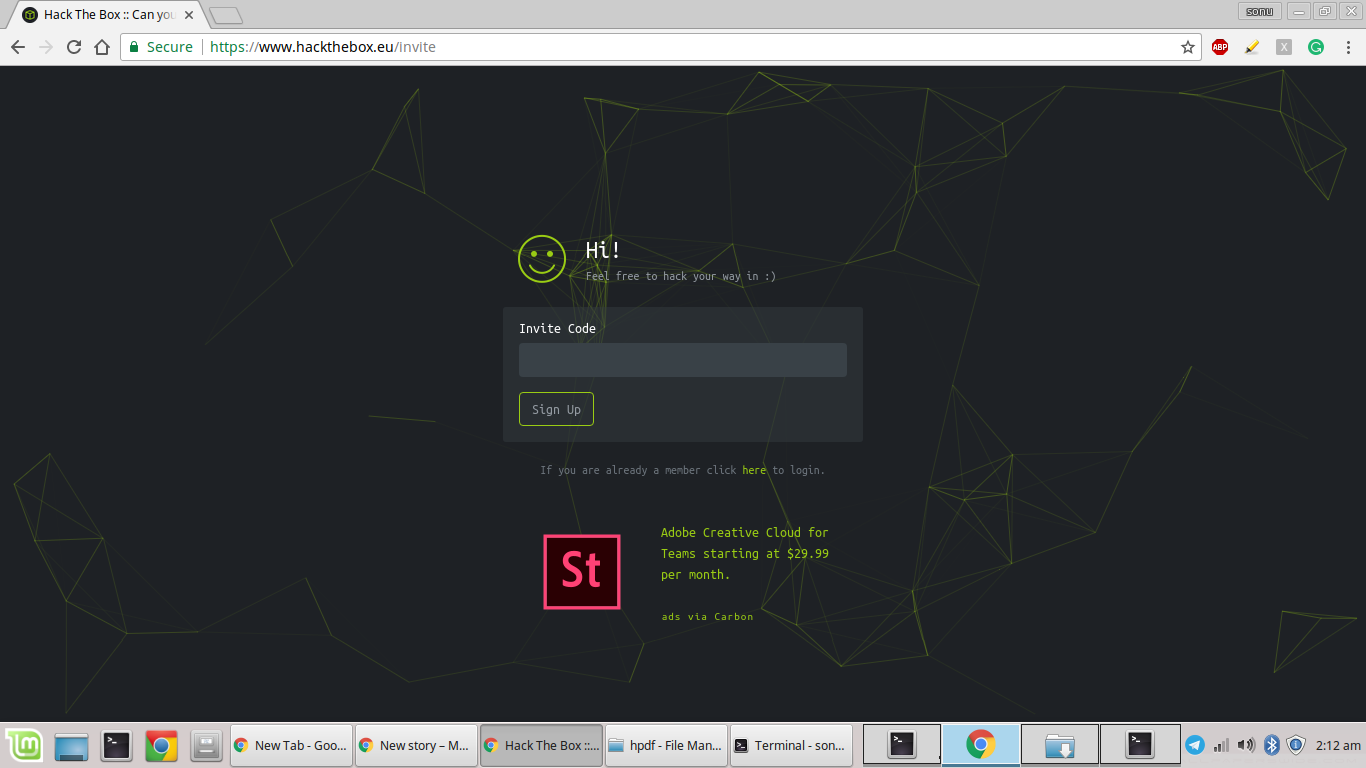
First do an inspect element and get to the sources tab (if you are using chrome browser)
In sources tab, you will see some js files present
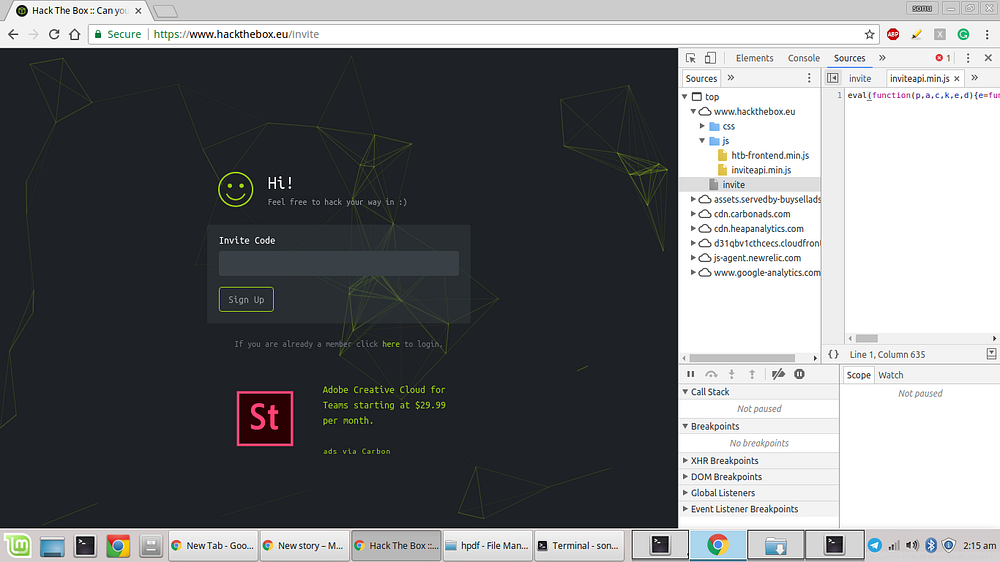
you will have to take at all the js files present there and there you will see a js file named inviteapi.min.js
But you will see that you will not be able to read that js file so to make that js file readable you can use an online tool — jsbeautifier
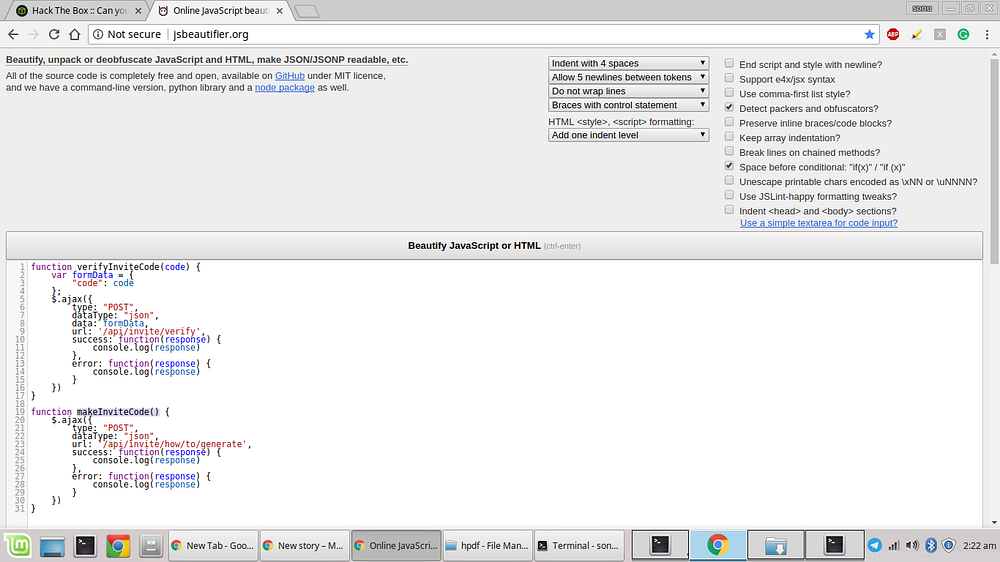
using that tool now you will be able to read that js file
and in that js file you will see that there is a function named — makeInviteCode()
this function actually make/generates your required invite code
hence make a POST request to the endpoint mentioned in the function (/api/invite/how/to/generate)using curl or any other online tool to make a POST request
(You May Also like to read this tutorial on how to Use Curl on Windows CMD.. Click Here)

you will get an BASE64 encrypted code as a response in the above POST request
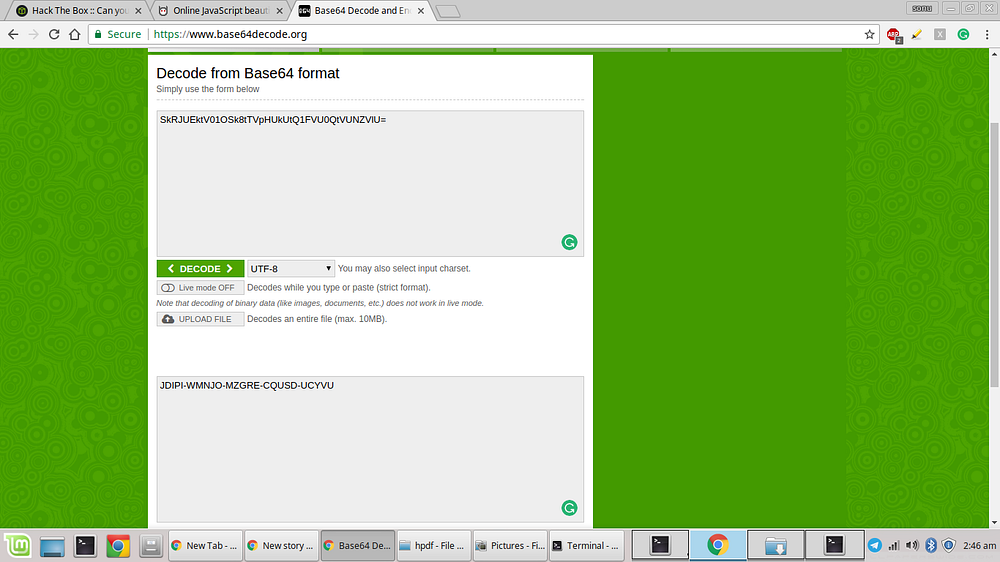
Now decrypt that BASE64 code using any online decoder
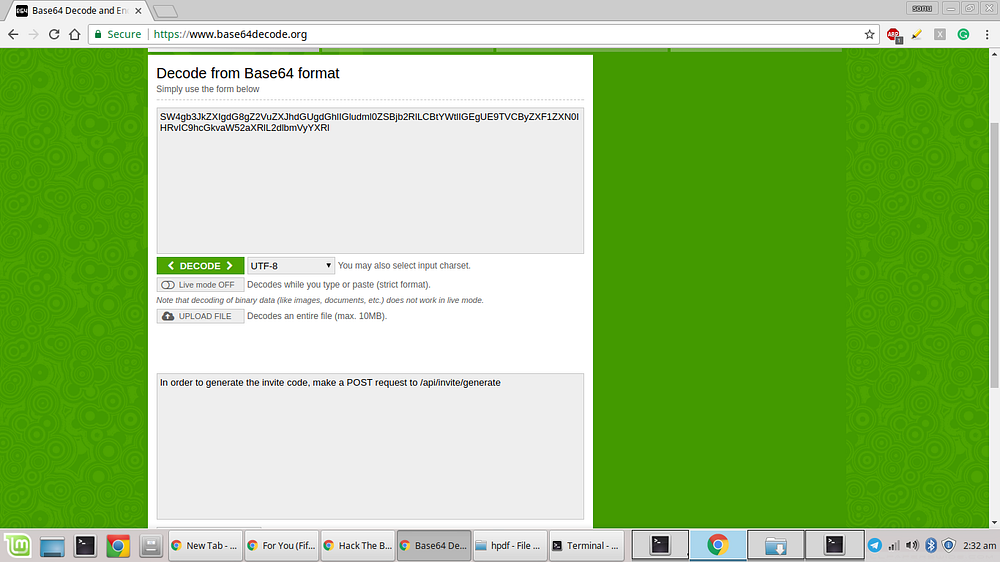
After decrypting that you will get a message like “In order to generate the invite code, make a POST request to /api/invite/generate”
then make a POST request to /api/invite/generate this time you have to make the POST request using curl only because the invite code generated tracks your IP address hence you will not get the correct code for your IP if you make the POST request using any other online tool
 the response you get will be again BASE64 encrypted hence decode it